7.1.4 out of an ordinary browser — the Esfera public beta
Multichannel spatial output with no plugin and no special build, plus video with IAMF, ADM to Eclipsa conversion in the browser, podcasts, albums and client Proofs. Esfera opens for public beta on 31 August, by request.
Esfera plays IAMF in any browser — including Safari on iPhone. No app, no plugin, no particular device: a browser and a pair of headphones.
That’s the foundation, and it’s held up. But a player is not a platform, and the last year has gone into everything that sits around it.
Esfera opens for public beta on Monday 31 August. It’s request only, and anyone can request — there’s more on how that works at the end of this post.
Before the tour, though — have a listen.
Hear it first
This is Esfera’s embedded player — the same one behind the Embed button on every track page, and what you’ll be dropping into your own site. It takes options: light or dark, metering, 3D visualiser, which is what both of these are showing.
Two tracks, and two different routes into Eclipsa Audio™.
Yn Devotione
Yn Devotione · The Chapel Choir of Pembroke College, Oxford University · Classical
An ADM master, converted to Eclipsa Audio on Esfera itself using the converter further down this page. Those meters are the 7.1.4 room it’s being rendered into — live, in your browser, while you listen in binaural.
Timestep
Timestep · 7ude
The other route in: an ADM BWF built in Logic Pro, converted to Base-Enhanced in Orbit Pro with its objects intact, then uploaded. Same room, objects landing one meter each.
Two ways to Eclipsa Audio, one in the browser and one on your desktop, and the same player either side. Headphones are worth it.
Want more than two? The demo collection is open to anyone — no account, no request, nothing to sign.
Multichannel output. From an ordinary browser.
That was headphones. Here’s the part we most want you to try.

That’s twelve discrete channels leaving a web page and arriving at real speakers.
There are twelve layouts to pick from:
- 3.1.2
- Quad — 4.0, and the classic corner square
- 5.1, 5.1.2, 5.1.4
- 7.1, 7.1.2, 7.1.4, 7.1.6
- 9.1.4, 9.1.6
At the top of that list, 9.1.6 is sixteen discrete channels — out of a browser.
No Chrome Canary. No proprietary plugin. No special build of anything, on either end. Set your Mac’s output to a supported multichannel device, choose the layout that matches your rig, and press play.
It's working in Esfera today.
The track page
A track on Esfera gets its own page: waveform, plays, likes, comments, and a share and embed route out to the rest of the internet.
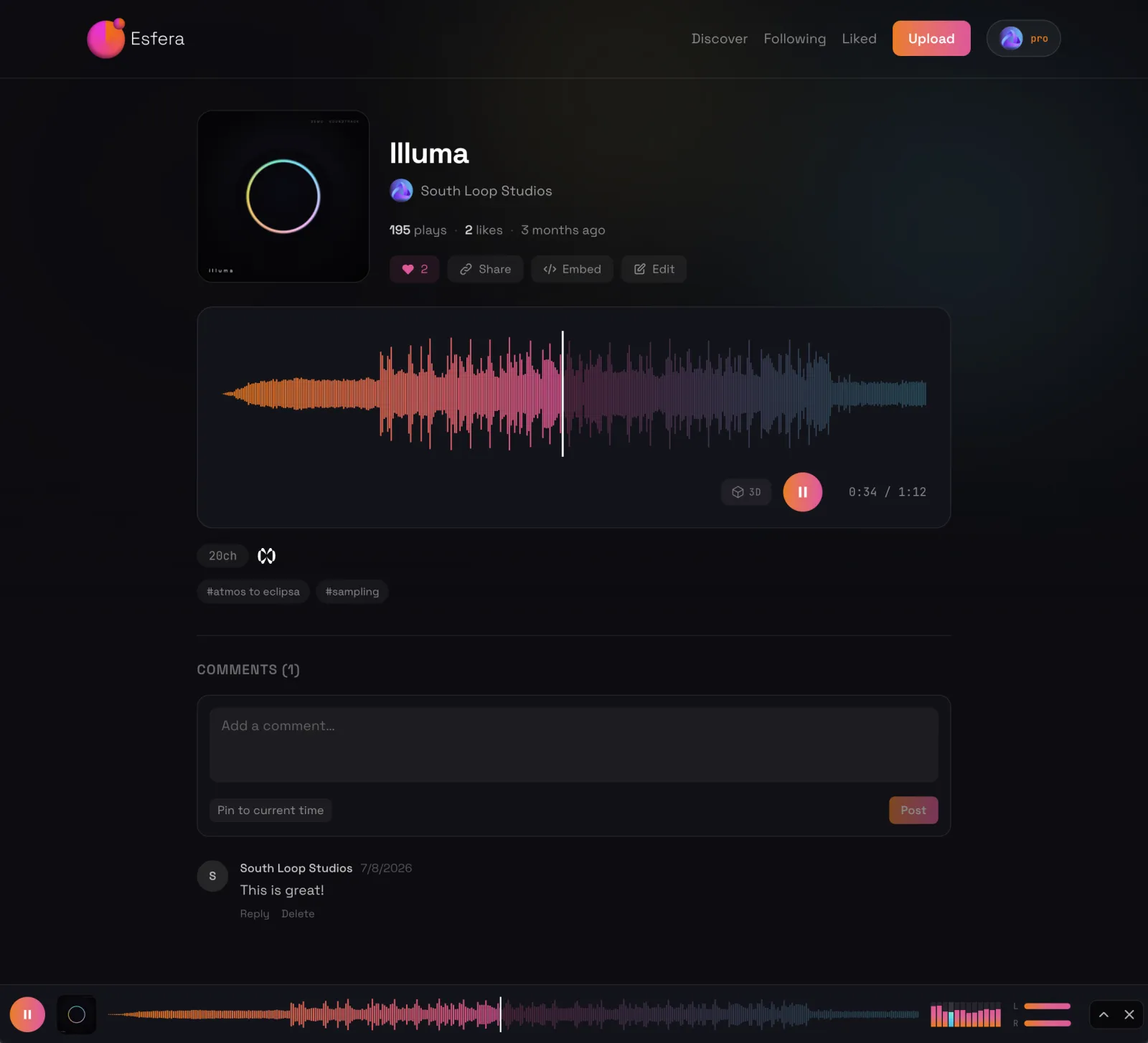
The artwork works harder than it looks. The page background and the waveform colours are generated from the cover you upload, so every track sits in its own palette and the page matches the record rather than fighting it.
The player, and what’s driving it
Open the footer player out and you can see the machinery.

That’s the 7.1.4 virtual studio behind Orbit Studio HRTF — our own binaural render, and the same speaker-first approach used across the Orbit apps. Beds and objects are rendered into a 7.1.4 room first, and the binaural you hear is derived from that room. Nothing takes a shortcut around it.
The 7.1.4 meters in the players at the top of this page are that room, live. You’re watching the render your binaural is derived from.
Tracks carrying object-based content can open the 3D object view beside the player, so you can watch where a mix is actually putting things. It’s the extra bit of visual detail that shows what makes a track tick.
Video, supported from day one
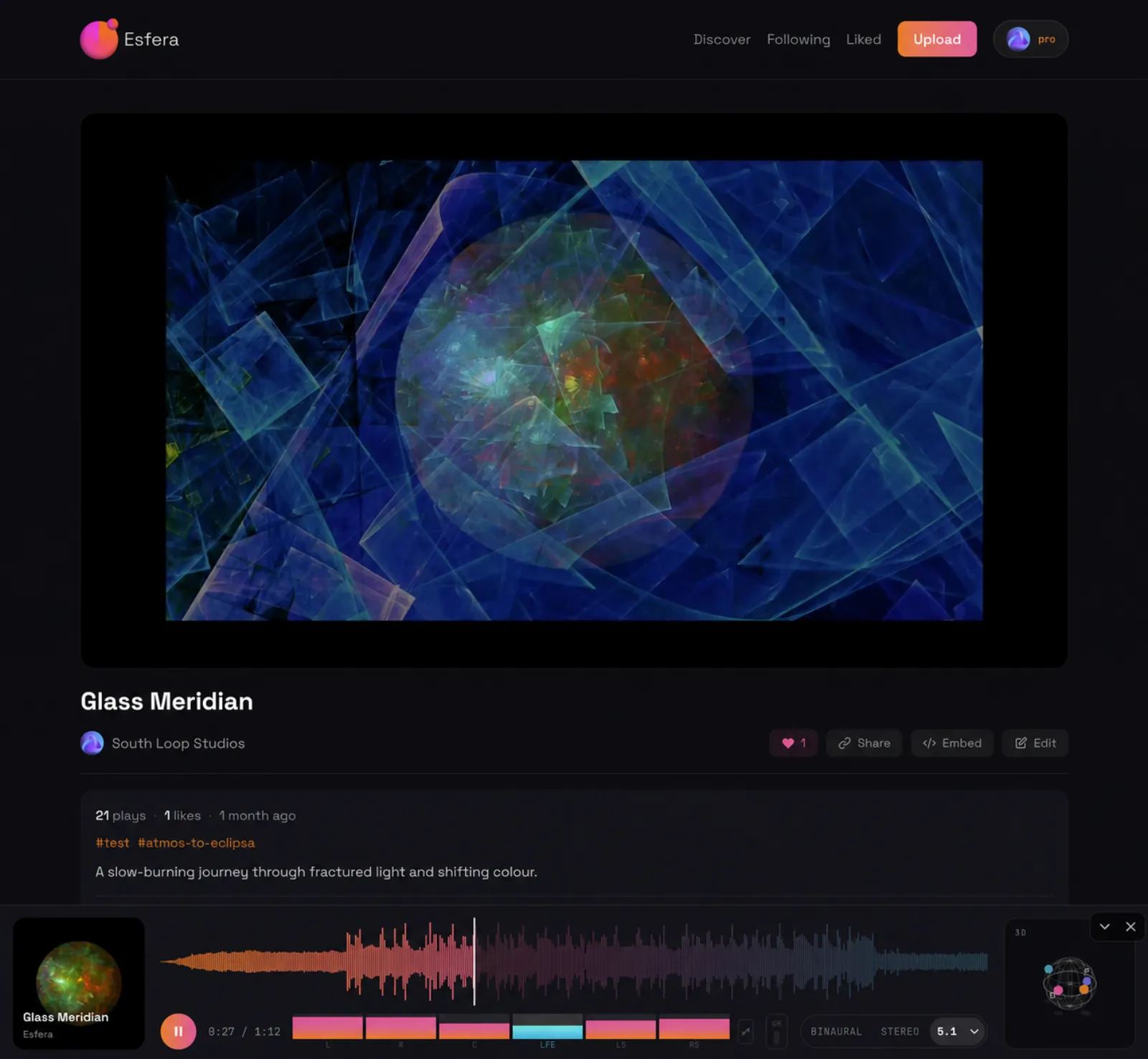
Video is part of Esfera from launch — and getting it right is one of the reasons the road to public beta took as long as it did. Some of that was the transcoding. Rather more of it was the moderation and safeguarding that hosting public video in the UK and the EU requires, which we’ve set out in full at the end of this post.
Uploads are transcoded into a range of qualities so playback holds up on whatever connection you’re on. We serve H.264, not AV1. AV1 can’t be decoded on older devices, and that breaks the promise Esfera is built on — that it works on everything you already own. For nearly everyone, H.264 is fine.
For now, the IAMF has to be muxed into the file before you upload it, so you’ll need software that can do that — Orbit Pro, for example.
ADM to Eclipsa, without leaving the browser
You can convert ADM straight to IAMF on the platform. Upload an ADM BWF master, and Esfera reads it, shows you what it found, and converts it on our servers against a quota of conversion minutes.

Then you choose what you’re converting for.
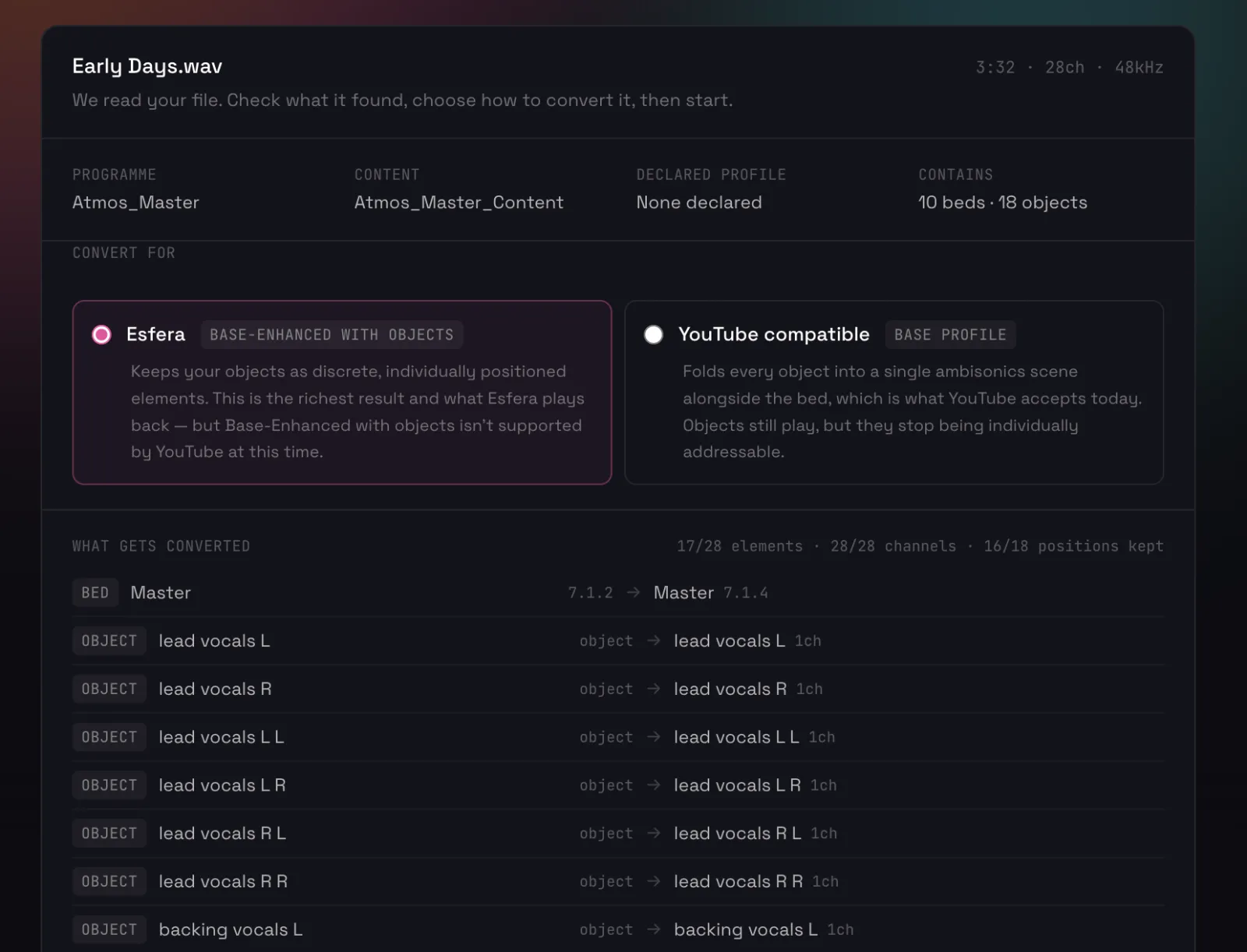
- Esfera — Base-Enhanced with objects. Your objects stay discrete and individually positioned. It’s the richest result, and it’s what Esfera plays back. YouTube doesn’t accept Base-Enhanced with objects at this time.
- YouTube compatible — Base profile. Every object is folded into a single ambisonics scene alongside the bed, which is what YouTube accepts today. The objects still play; they just stop being individually addressable.
Before it runs, you get the full element-by-element account: what’s a bed, what’s an object, what’s being kept as-is, and what isn’t.

Objects that don’t fit the target profile are folded into the 7.1.4 channel-based element — if you come from ADM, think of that as the bed. In the YouTube profile every object folds into a first-order ambisonics scene-based element instead, which turns out to hold spatial intent and positioning very well.
Once it’s converted you can listen back, download it, or add it straight to your public library to share on Esfera. The source ADM is kept for 14 days only — they’re large files, and holding them indefinitely isn’t something we can offer.
Proofs
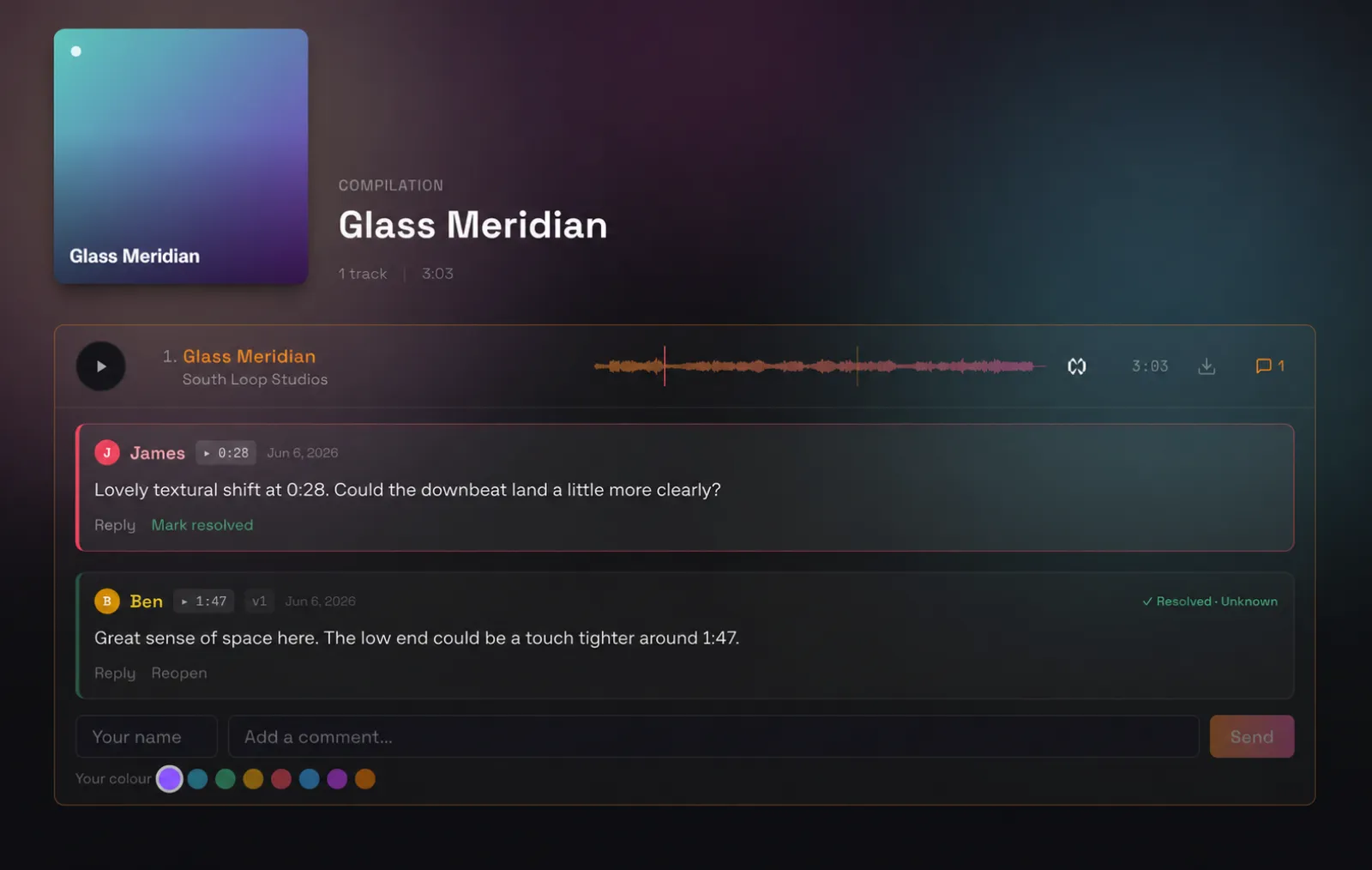
Proofs are for sending immersive audio to clients for review. They pin comments to a timestamp, you reply, and either side marks a thread resolved — the quick back-and-forth that approval actually needs, instead of a spreadsheet of timecodes.
It works for both ADM and IAMF, and it works for people who don’t have an Esfera account: generate a private link, set an expiry date on it, and send it. More on Proofs soon.
Also in the beta
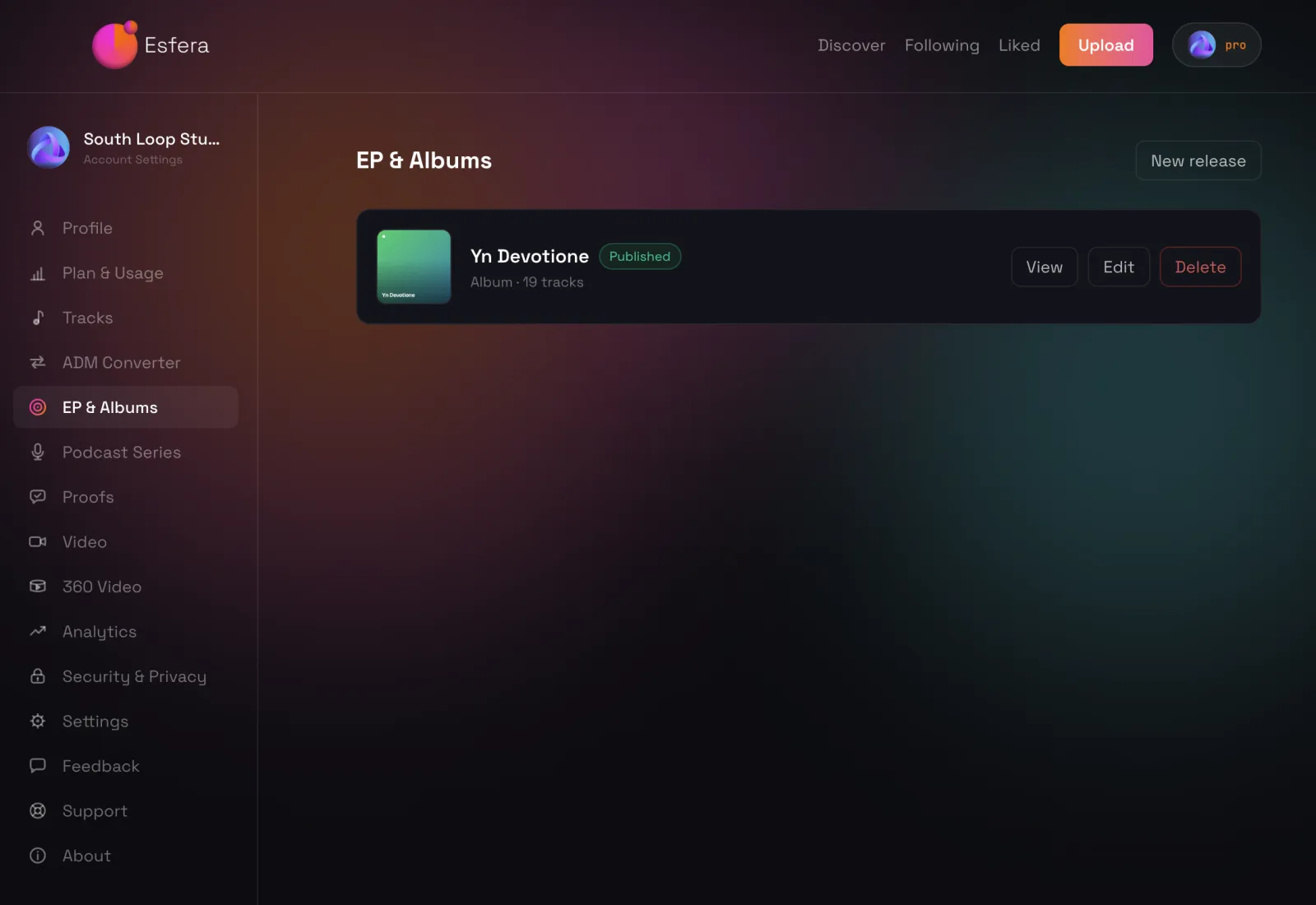
Albums and EPs
Upload whole albums and share them as a release.
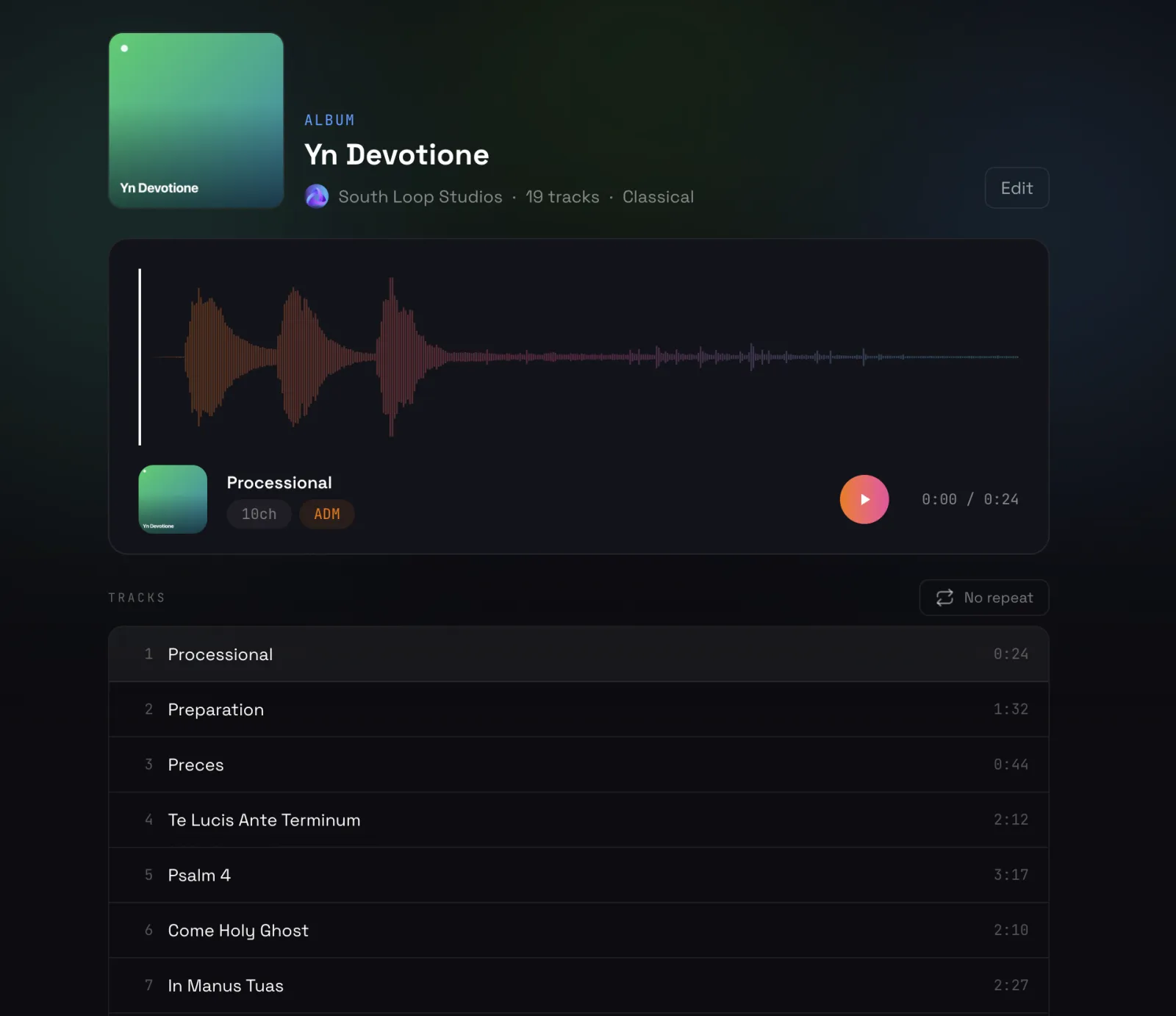
One rule worth knowing up front: Eclipsa Audio can be shared publicly. ADM can only be shared privately, or used with Proofs.
Spatial podcasts
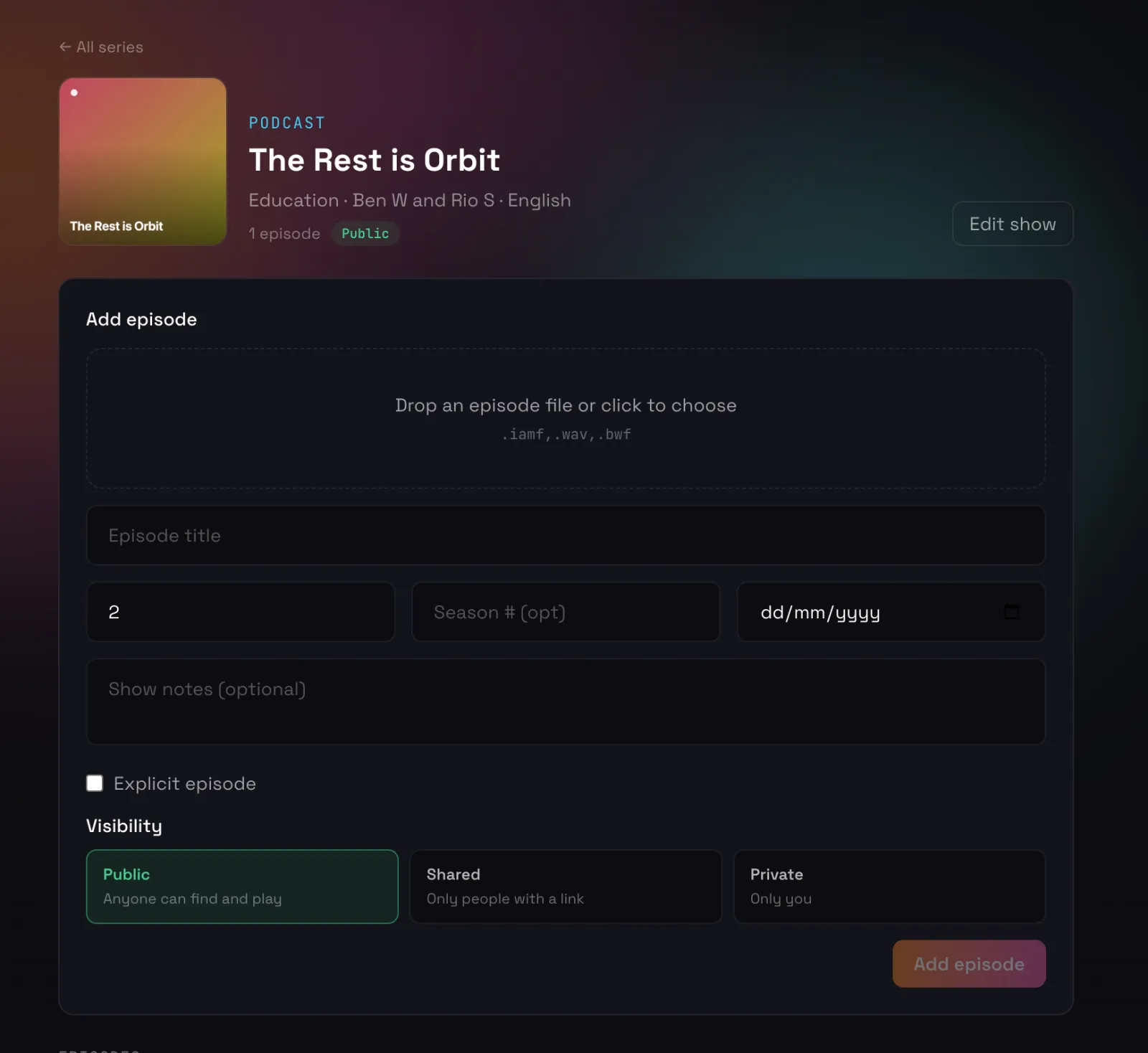
Upload an IAMF episode, give it show notes and a number, and share it with the world — or keep it to a private link while you’re still working on it. Video podcasts are coming, but not at launch.
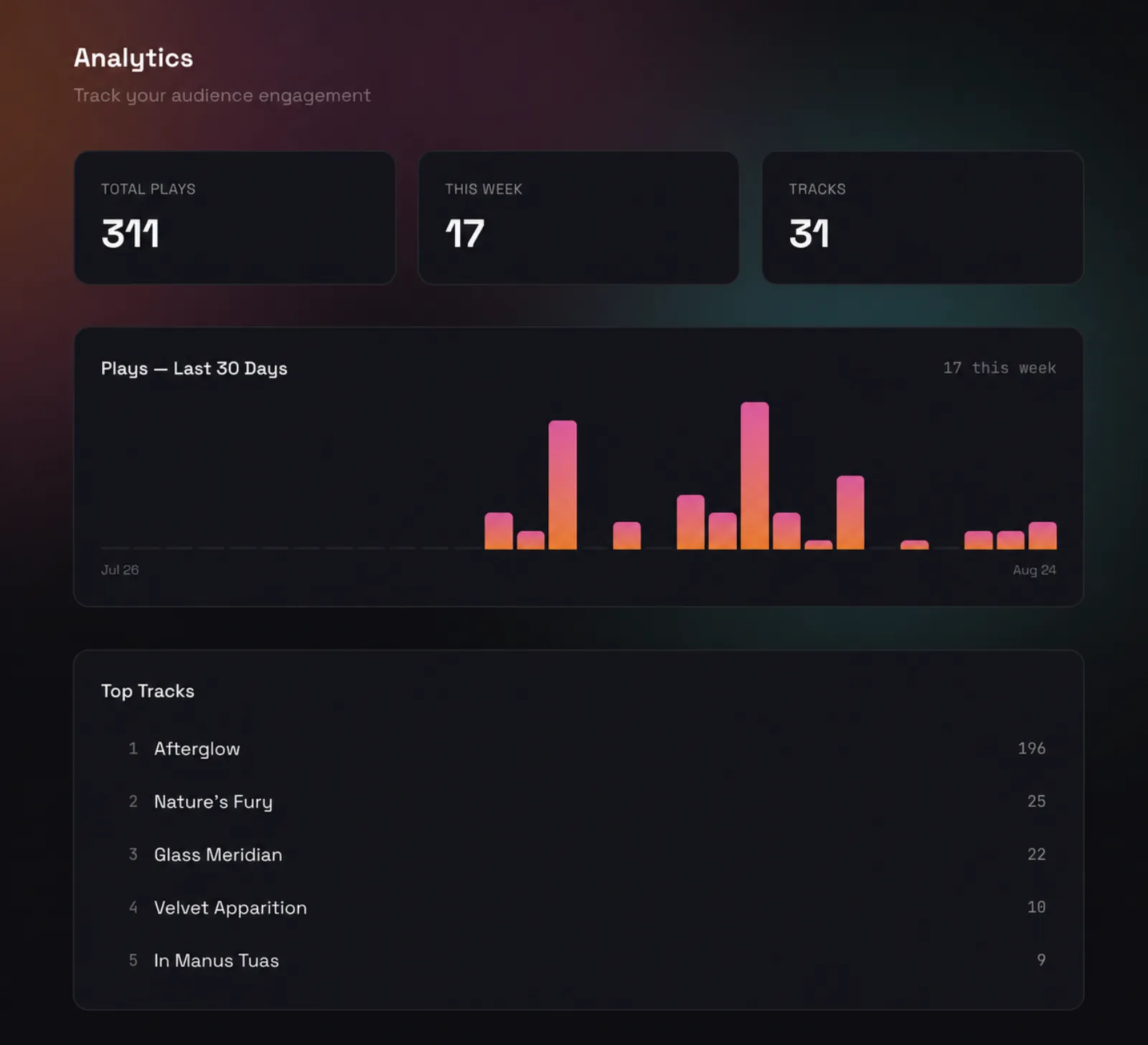
Analytics
Every account gets basic analytics — plays, your week, and which tracks people are actually listening to. Country breakdowns and playback length follow after launch.
Moderation and safeguarding
This is the heavy part. We’d rather set it out plainly here than bury it in a policy page and let you find it the hard way.
We’re founded in the UK and we serve the UK and the EU, which means strict, non-optional obligations around keeping explicit or otherwise inappropriate material away from children and from anyone who shouldn’t be exposed to it. We had to get this right from day one.
At launch, videos and artwork are scanned for explicit or inappropriate imagery. Anything flagged is hidden and a person reviews it.
- A flag is not a strike. It’s a hold, pending review by a human.
- If the content is judged explicit, or otherwise against our terms and the legal requirements we operate under, we remove it and issue a strike.
- You can object and appeal. Every appeal is read and answered by a person, and we’ll tell you the reasoning either way.
- A successful appeal restores your content and clears the strike. Both. The work goes back up where it was, and nothing is held against the account.
- Three standing strikes and the account is banned.
We know the trade-off this carries. Music videos, horror, and plenty of other legitimate work will get caught by accident. When that happens, hit appeal — nothing lost, no mark against you.
This is a beta, and the moderation system is part of what we want feedback on: where it works, where it doesn’t, where it’s too blunt. We can’t opt out of the legal requirements of the countries we’re founded in and serve — but we can keep tuning how we meet them, and what you tell us is how we’ll do it.
Getting in
Esfera opens for public beta on Monday 31 August.
Access is by request. Not because it’s a closed club — anyone is welcome to ask, and we’re not screening on how big you are or who you know. We just ask for a small detail on the kind of content you’ll be uploading when you request an account.
If you’ve already told us you’re interested, you’re on the list. You don’t need to ask twice — we’ll be in touch.
→ Request access at esfera.audio
Not ready to ask yet? You don’t have to. The demo collection is open to everyone, right now, with no account at all — go and hear what the platform sounds like before you decide.
— The Orbit Spatial Team