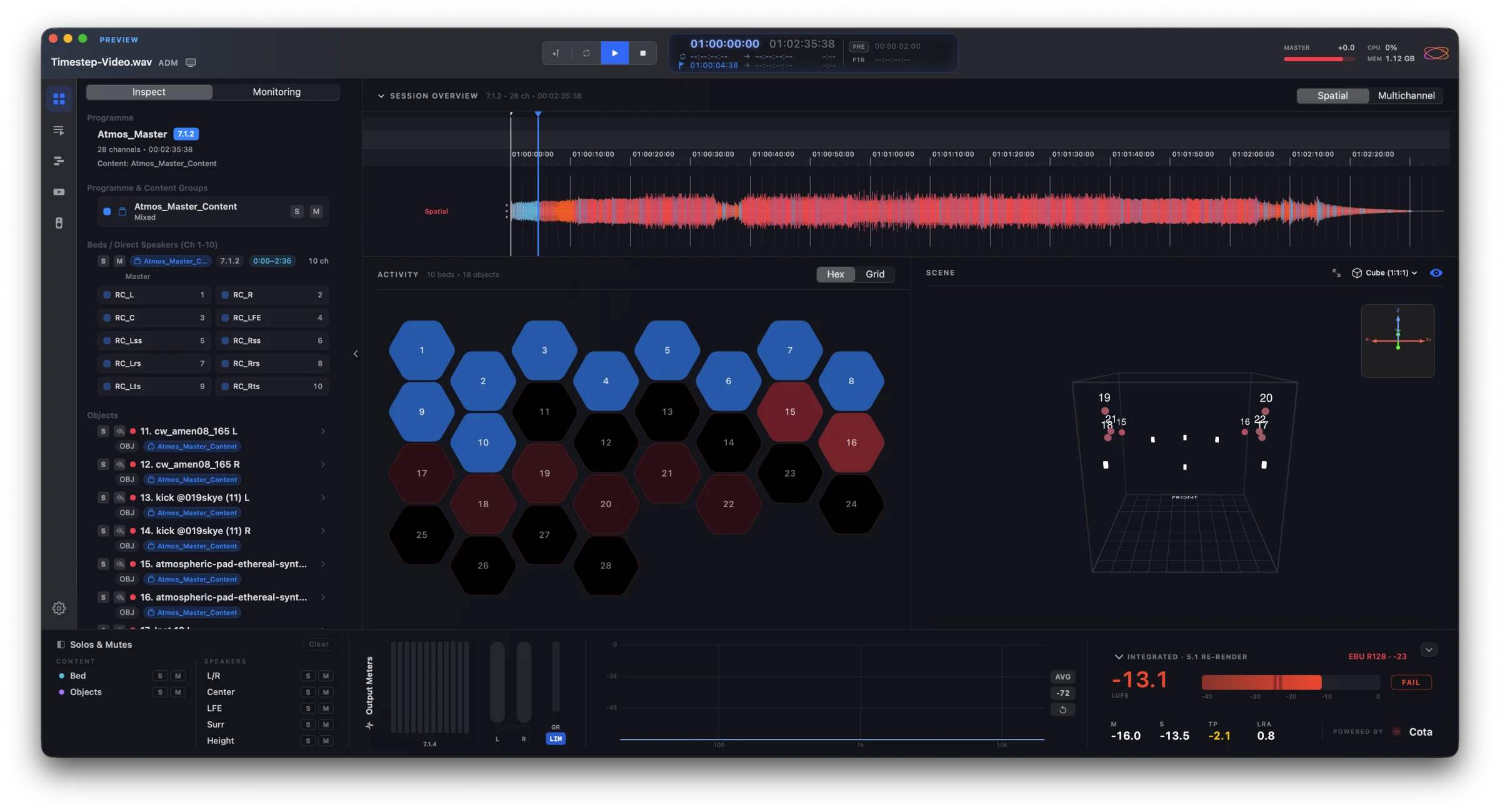
Orbit
Quality control for ADM BWF masters — every bed, object and channel, in 3D, binaural and stereo.
Orbit Lite
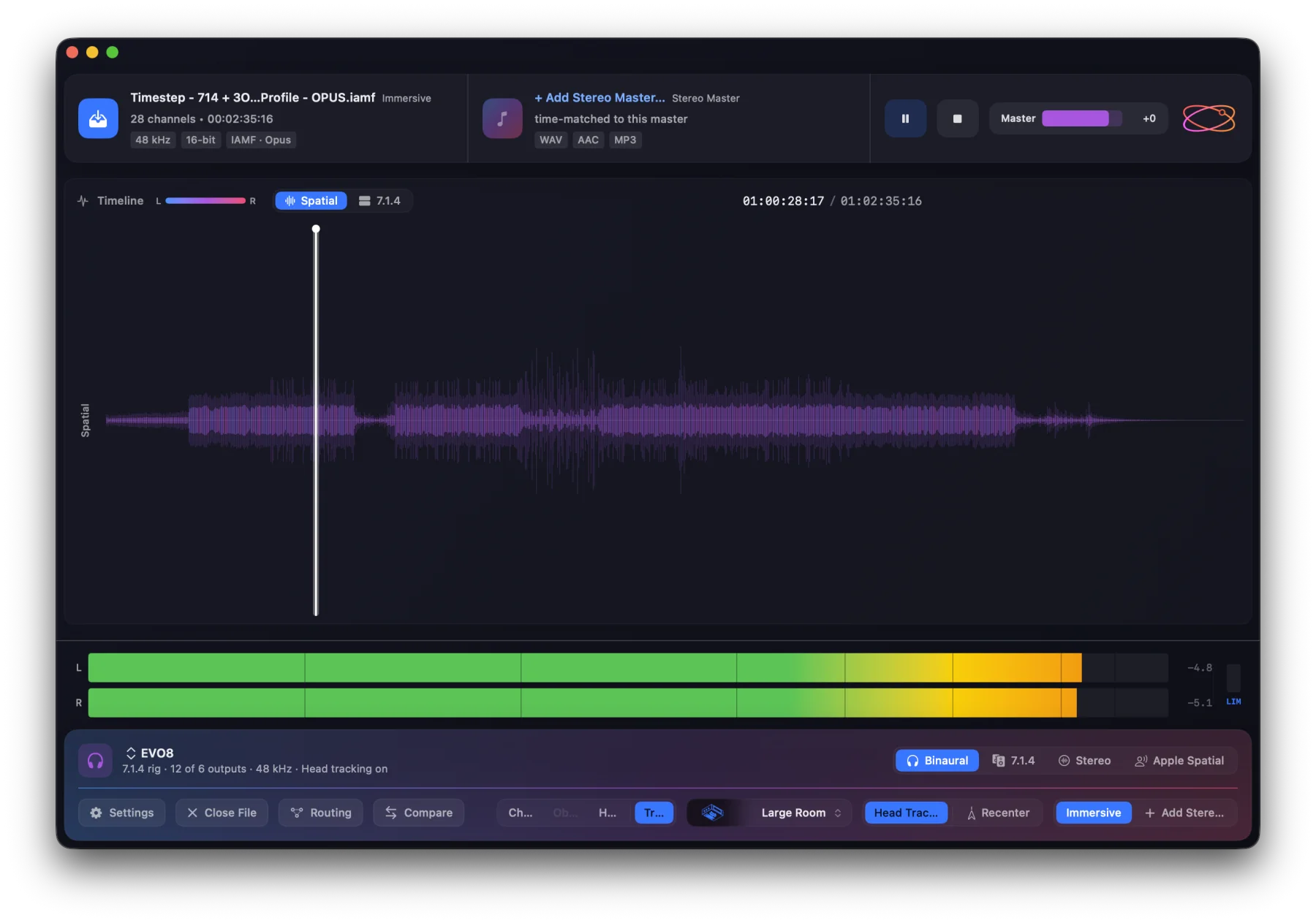
Play ADM BWF and Eclipsa Audio™ masters on speakers, headphones or stereo — A/B against the stereo master.
Cota
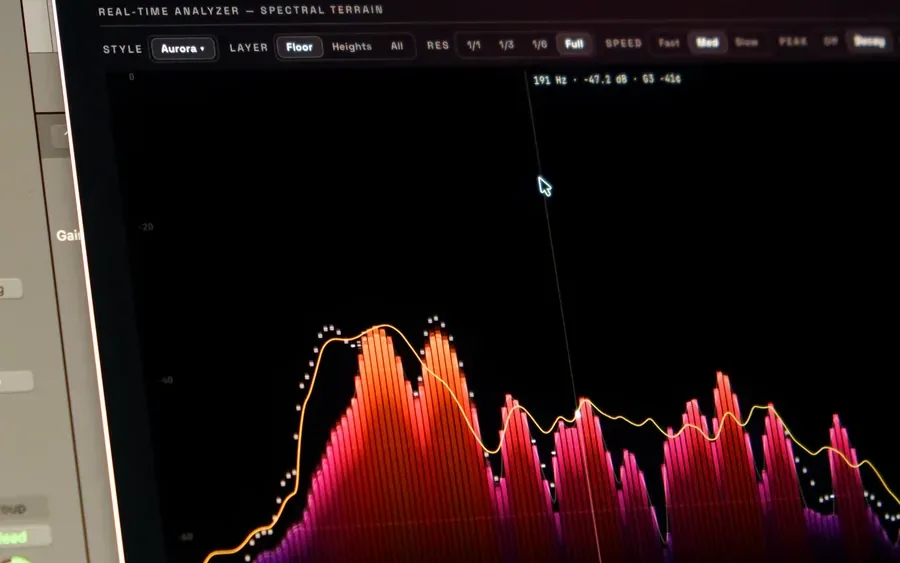
Loudness and spatial metering to ITU-R BS.1770-5, stereo to 9.1.6 — in your DAW or standalone.
Orbit Monitor
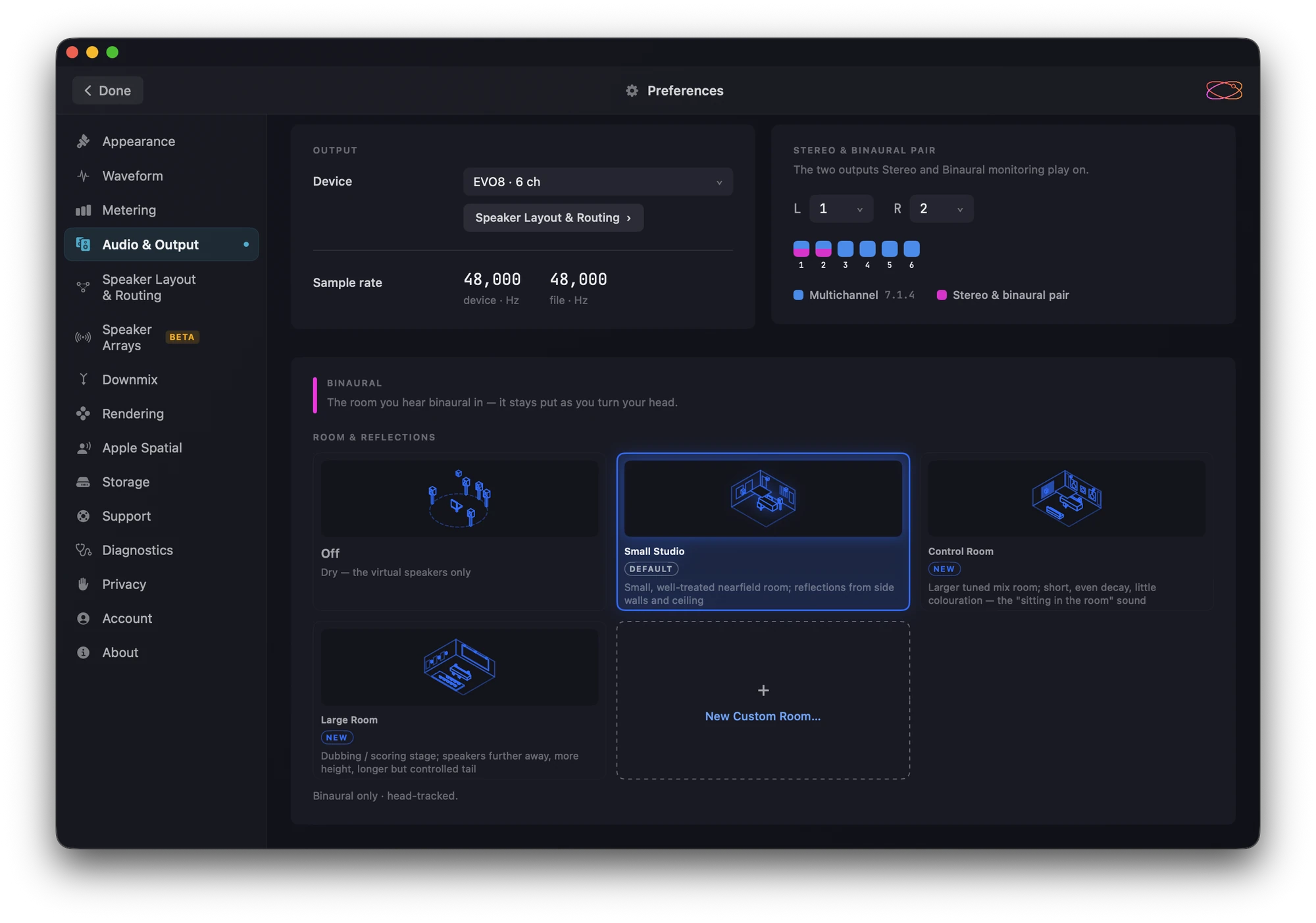
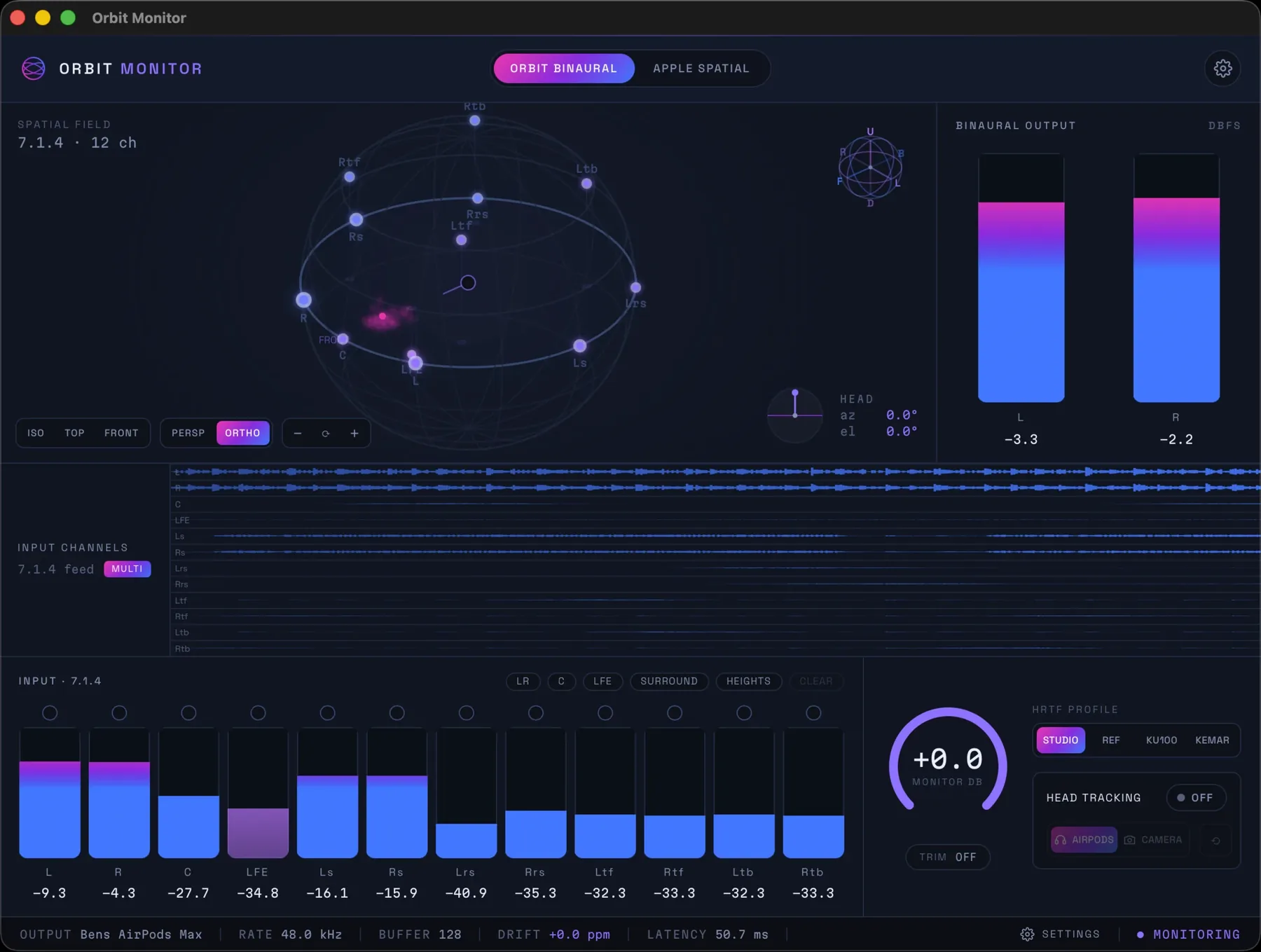
Monitor immersive mixes on headphones inside your DAW, with Orbit Binaural and head tracking.
Orbit Pro
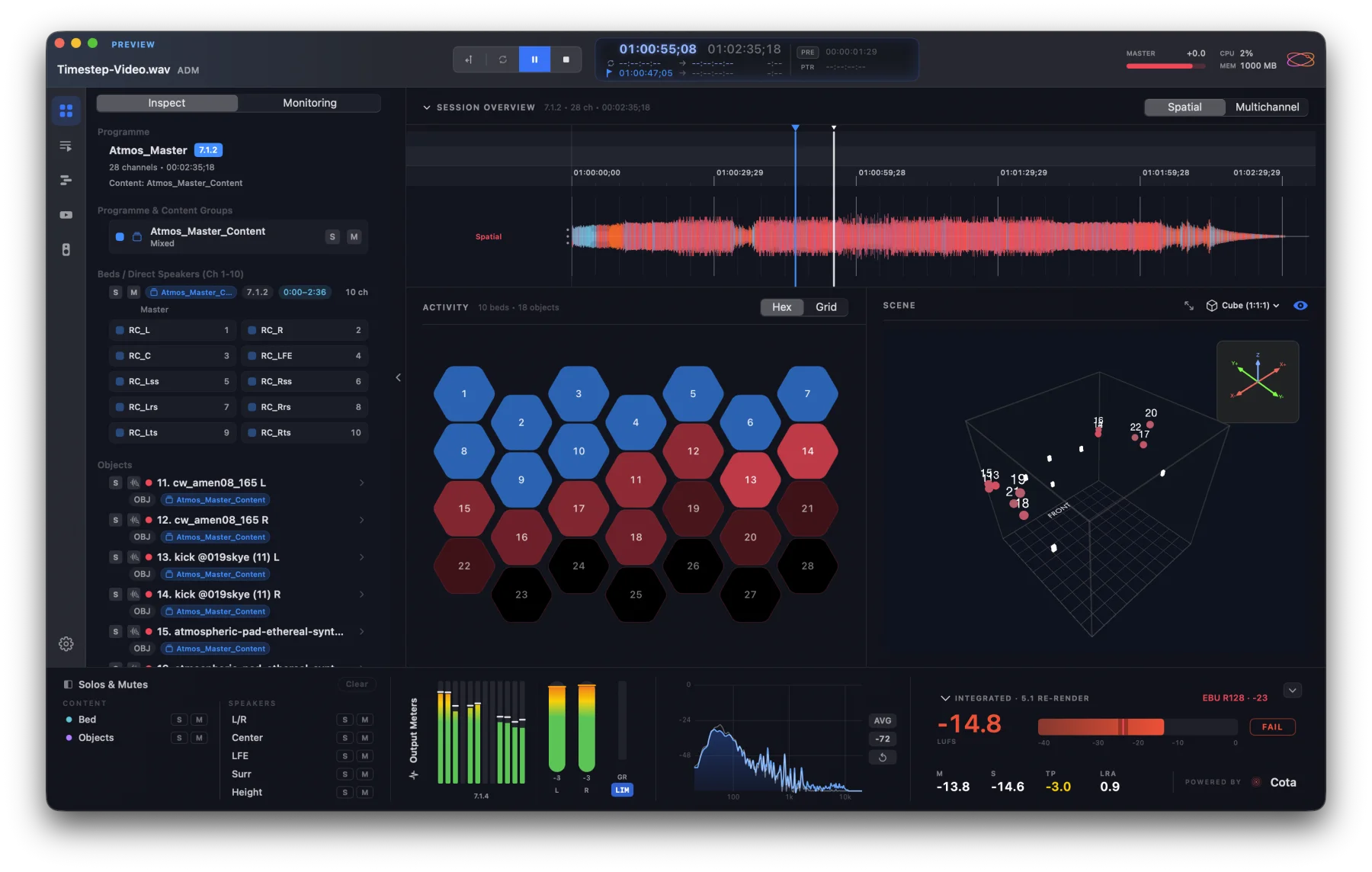
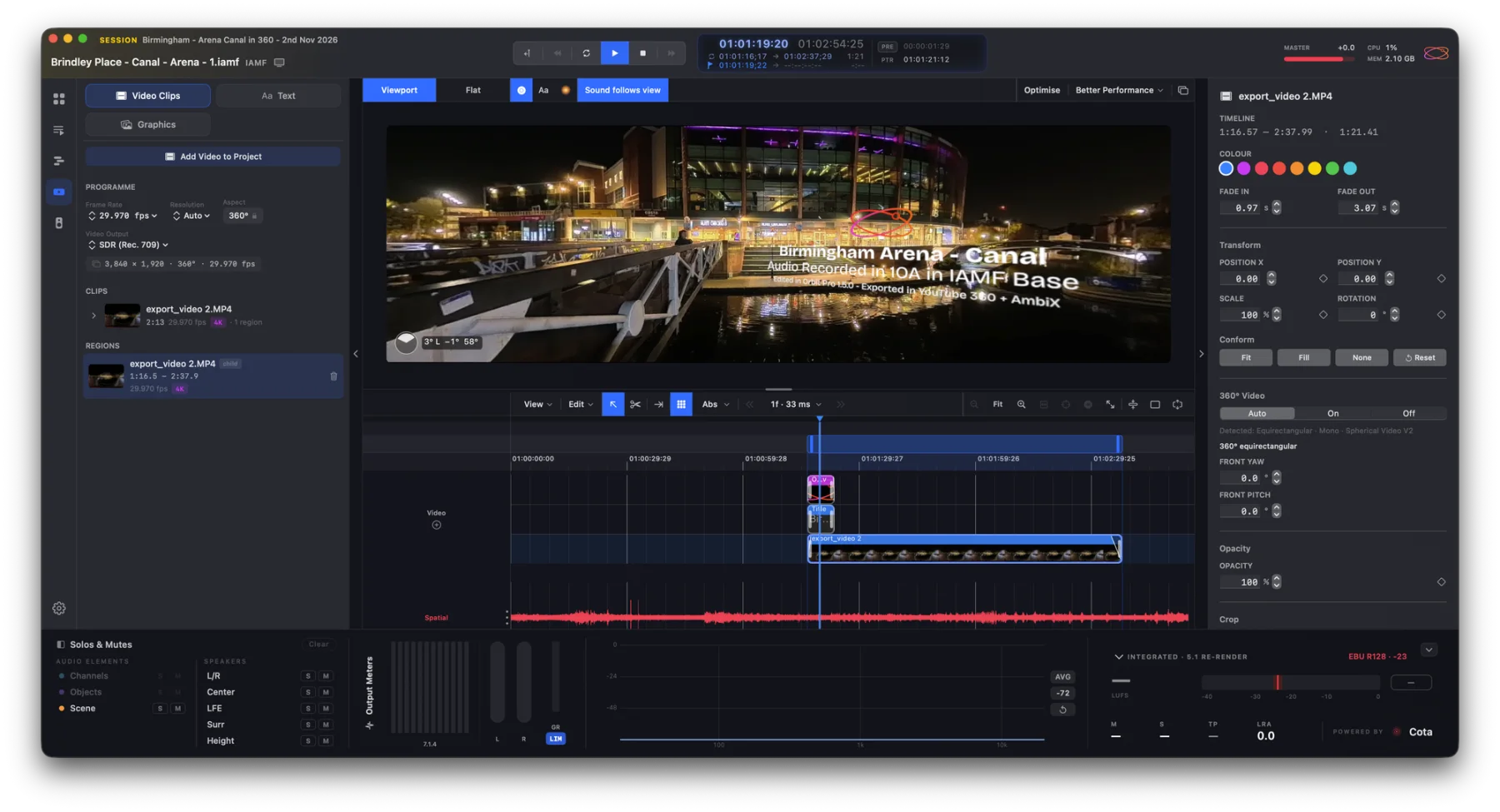
Everything in Orbit, plus Eclipsa Audio™ (IAMF) delivery, a multitrack timeline and video in sync.

Aro
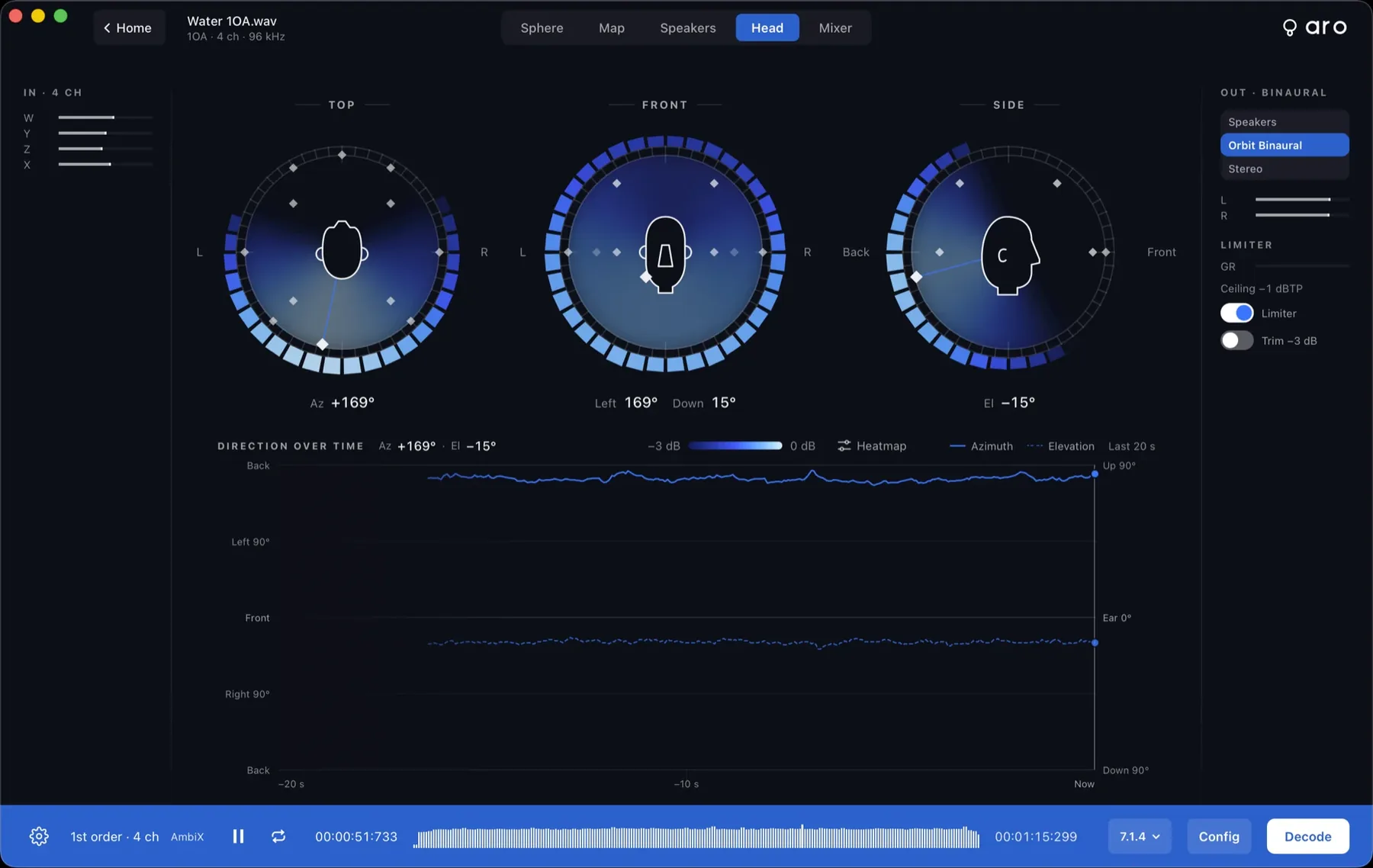
Decode first- to seventh-order Ambisonics to any speaker layout up to 9.1.6, or to Orbit Binaural.
Esfera
Stream the real spatial master to listeners, live in any browser.
Orbit Pro
Everything in Orbit, plus Eclipsa Audio™ (IAMF) delivery, a multitrack timeline and video in sync.
Cota
Loudness and spatial metering to ITU-R BS.1770-5, stereo to 9.1.6 — in your DAW or standalone.
Orbit Pro
Everything in Orbit, plus Eclipsa Audio™ (IAMF) delivery, a multitrack timeline and video in sync.
Orbit Monitor
Monitor immersive mixes on headphones inside your DAW, with Orbit Binaural and head tracking.
Aro
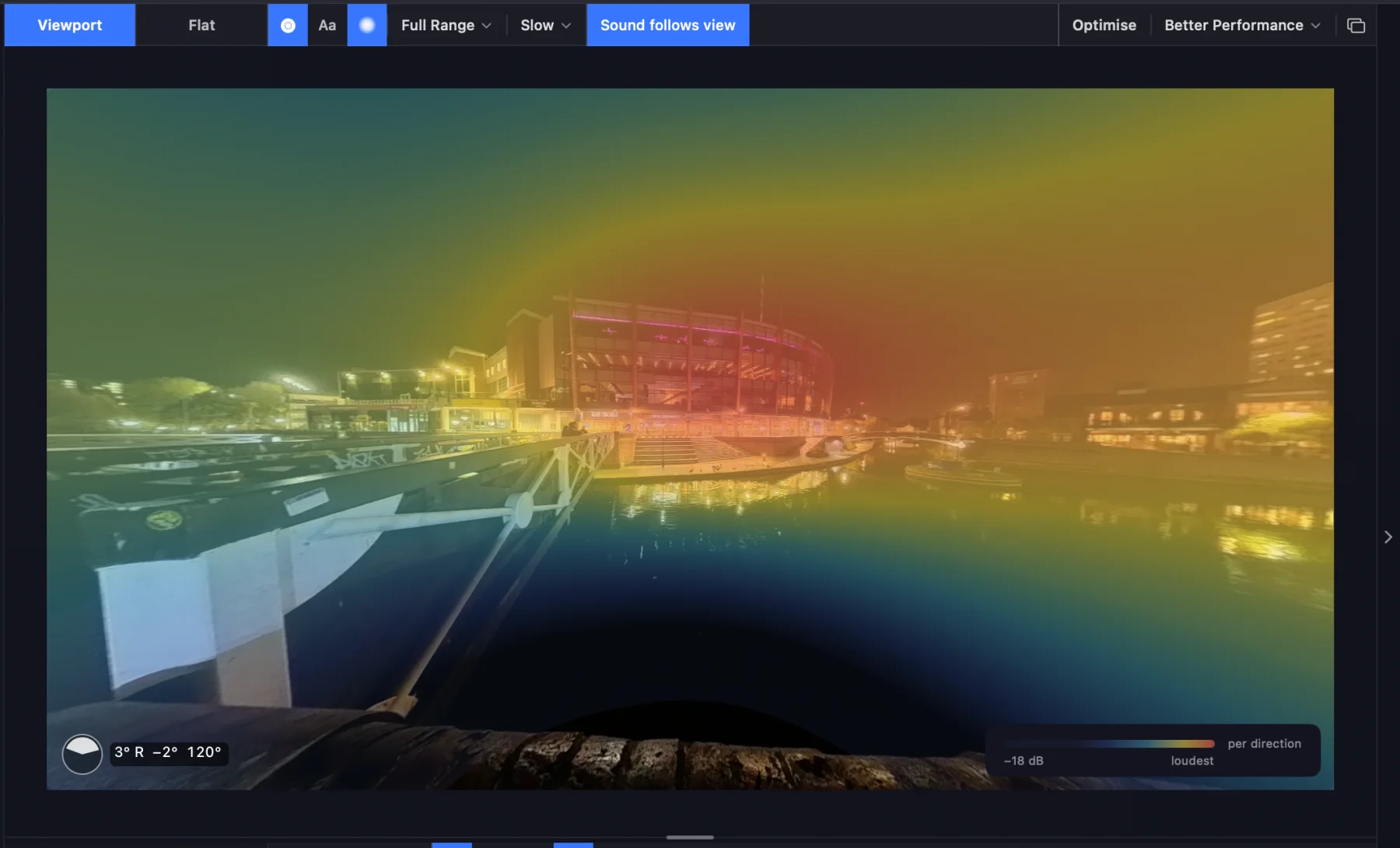
Decode first- to seventh-order Ambisonics to any speaker layout up to 9.1.6, or to Orbit Binaural.
Orbit Pro
Everything in Orbit, plus Eclipsa Audio™ (IAMF) delivery, a multitrack timeline and video in sync.
Esfera
Stream the real spatial master to listeners, live in any browser.
Esfera
Stream the real spatial master to listeners, live in any browser.
Esfera
Stream the real spatial master to listeners, live in any browser.
Orbit Pro
Everything in Orbit, plus Eclipsa Audio™ (IAMF) delivery, a multitrack timeline and video in sync.
Orbit Pro
Everything in Orbit, plus Eclipsa Audio™ (IAMF) delivery, a multitrack timeline and video in sync.
Orbit
Quality control for ADM BWF masters — every bed, object and channel, in 3D, binaural and stereo.
Orbit Pro
Everything in Orbit, plus Eclipsa Audio™ (IAMF) delivery, a multitrack timeline and video in sync.
Orbit Pro
Everything in Orbit, plus Eclipsa Audio™ (IAMF) delivery, a multitrack timeline and video in sync.
Orbit Lite
Play ADM BWF and Eclipsa Audio™ masters on speakers, headphones or stereo — A/B against the stereo master.
Aro
Decode first- to seventh-order Ambisonics to any speaker layout up to 9.1.6, or to Orbit Binaural.

OSLS
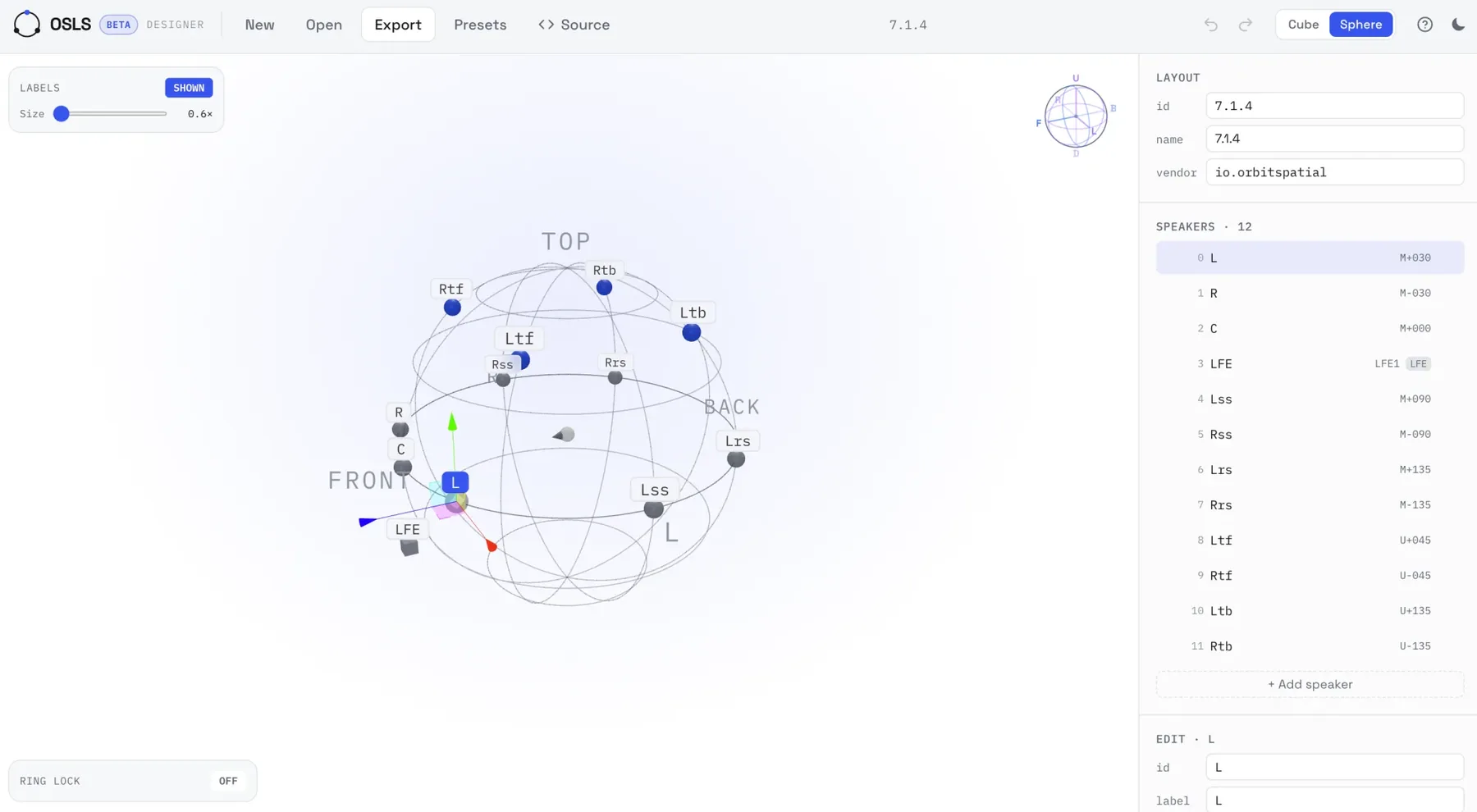
Describe any speaker rig once, up to 64 channels, in one readable file — with a free 3D designer.
Senda Link
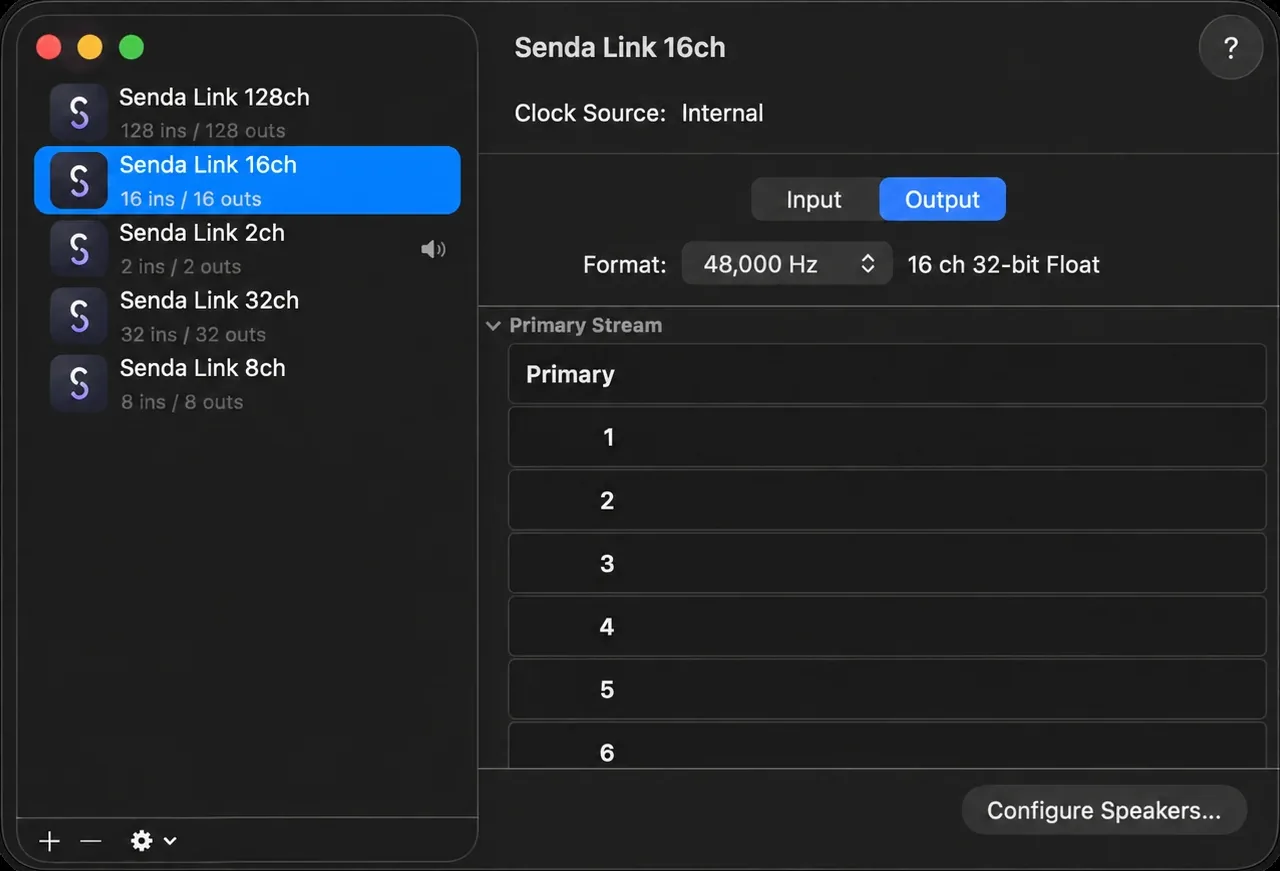
A free, open-source virtual audio cable for macOS — up to 128 channels, bit-transparent.
Esfera
Stream the real spatial master to listeners, live in any browser.
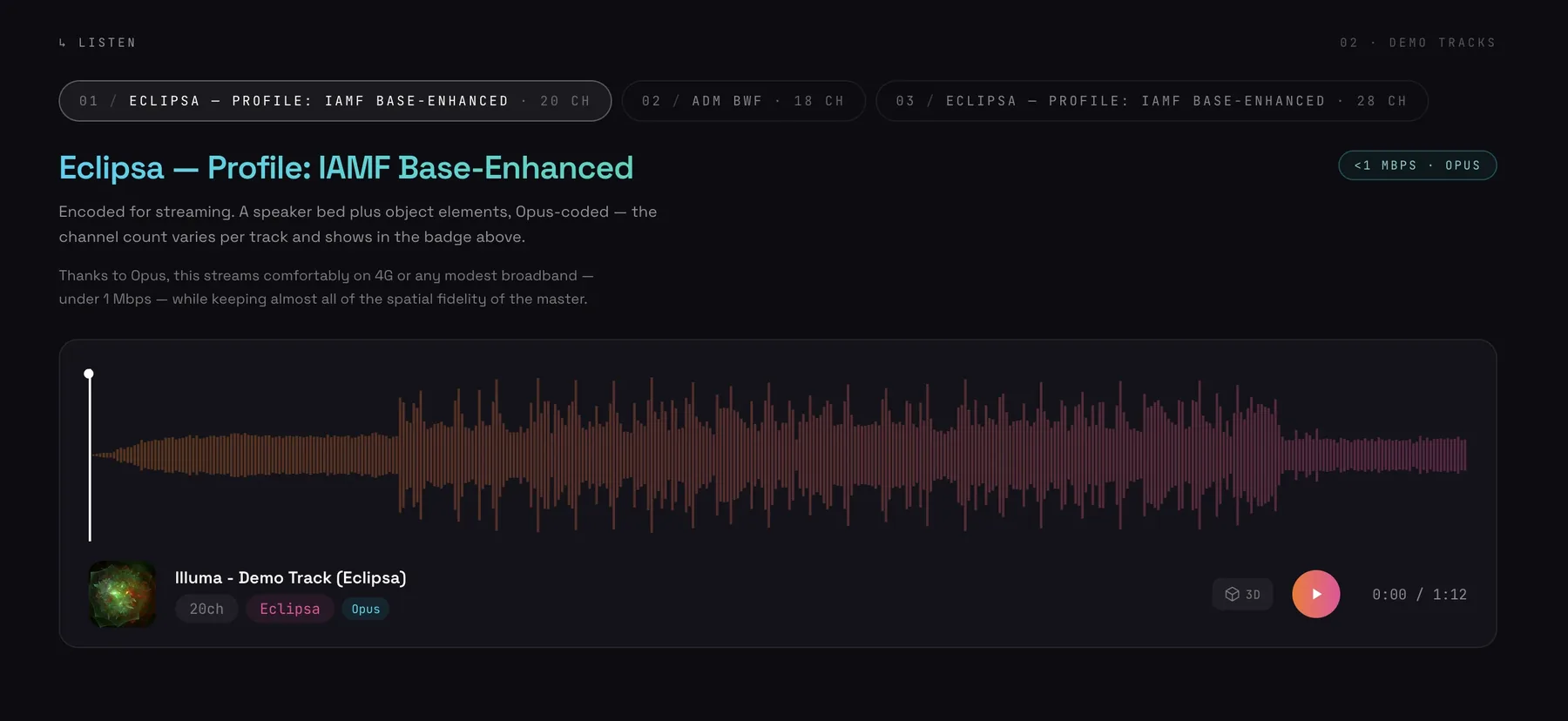
Press play. Esfera streams Eclipsa Audio™ to any browser, on any device — rendered by OrbitCore, the same engine inside every Orbit app.
Live from Esfera · Eclipsa Audio™ · plays on any phone
Explore Esfera →Eclipsa Audio is a trademark of Google LLC.
 New · Ambisonics for macOS
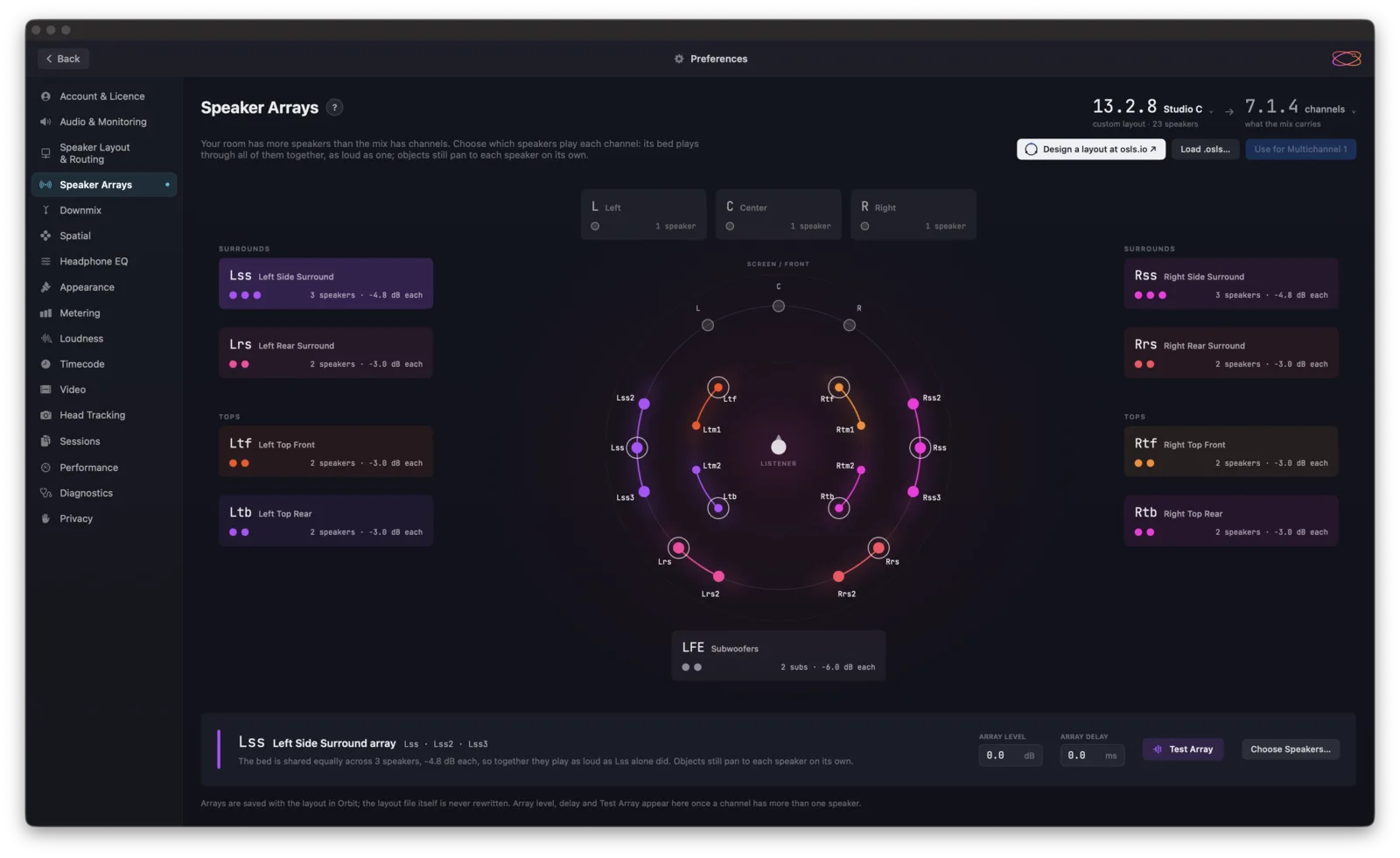
 Decode first- to seventh-order Ambisonics to any speaker layout up to 9.1.6, or to Orbit Binaural on headphones. Convert Mid-Side and A-format recordings — and see exactly where the sound is coming from.
Trusted by engineers at
“My first-ever unconditional buy recommendation.”
Michael G. Wagner — educator & independent reviewer
“Orbit Pro was exactly what I’d been trying to build myself for months.”
“I use Orbit Lite to check mixes for Apple Spatial Audio — an extra QC pass after exporting from Logic.”
Every Orbit Pro feature, free for 14 days. Open your own ADM BWF and check it the way it’ll be heard.